
Drag, drop, publish
Sections, columns and boxes, with undo, live preview and templates you save and reuse.
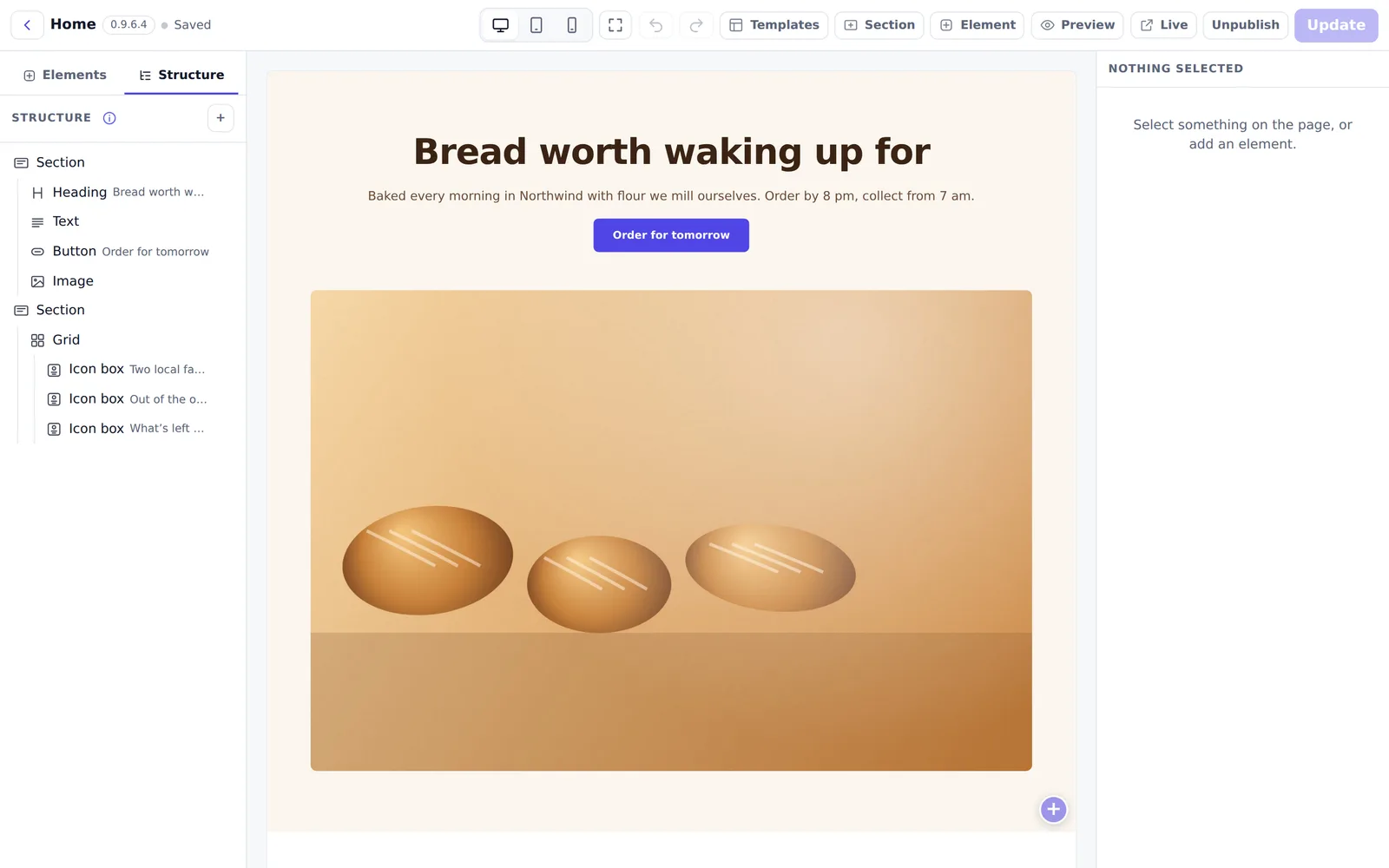
The self-hosted website builder with a visual editor, a blog and reviewed extensions. Your content and your visitors stay on your server.
Free account · Licences by the site · Runs on Node.js 22
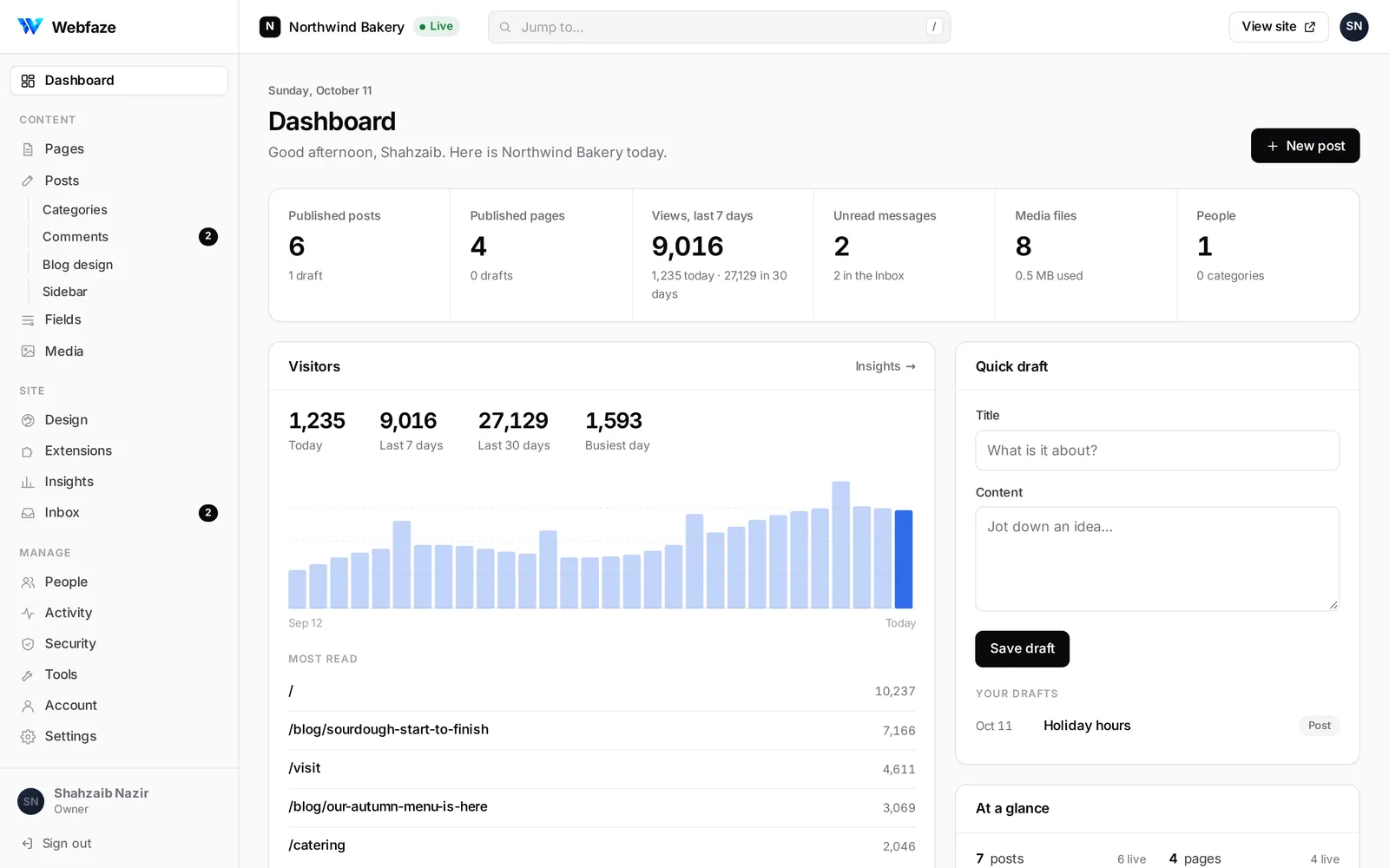
A calm editor for posts and pages. Headings, quotes, images and embeds as you type; drafts, scheduling and revisions are already there.
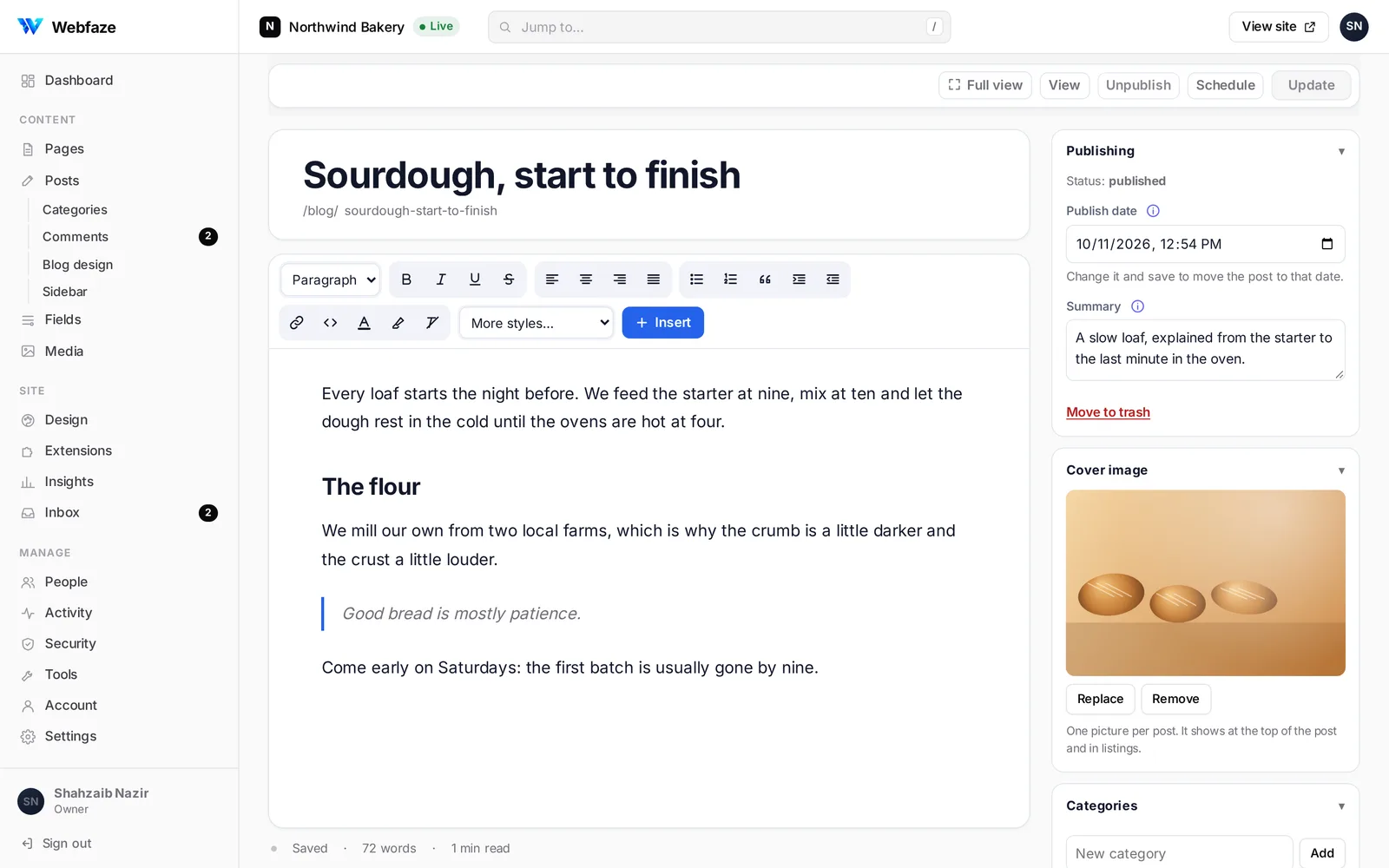
Drag sections, columns and elements onto the page and see it for every screen as you go. No code, no plugins to keep updated.
Sections, columns and boxes, with undo, live preview and templates you save and reuse.
Everything a page needs, from a heading to a pricing table.
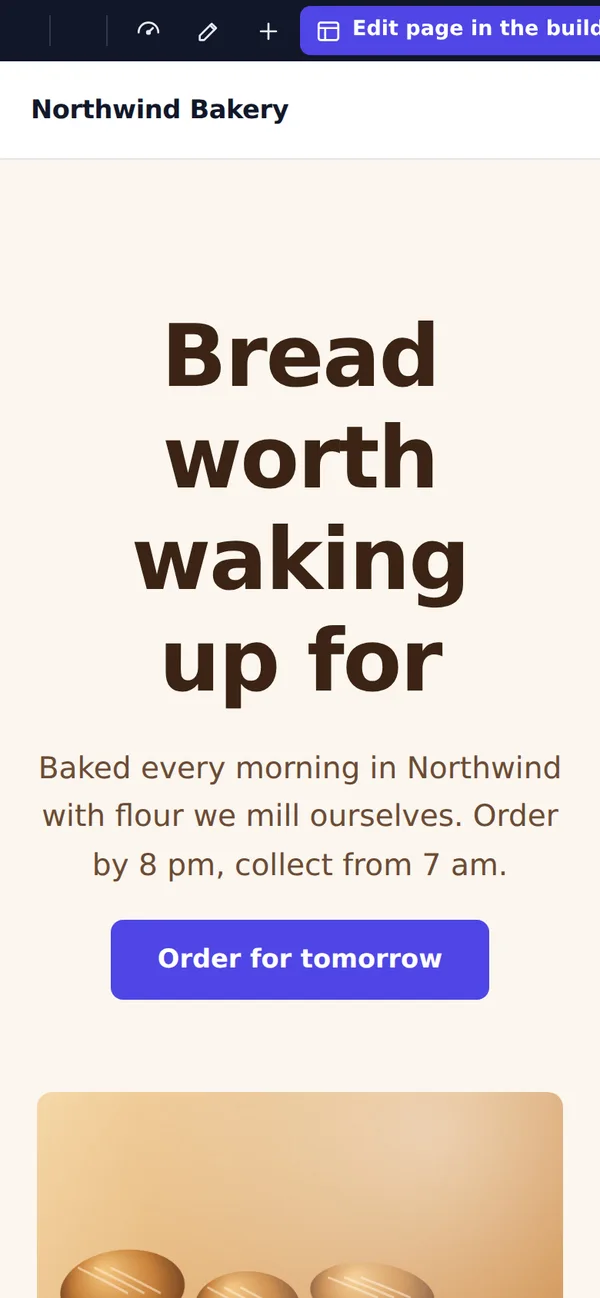
Set spacing and sizes per screen; the phone gets its own layout.
One design screen for the whole site: accent colour, type, corners and width.
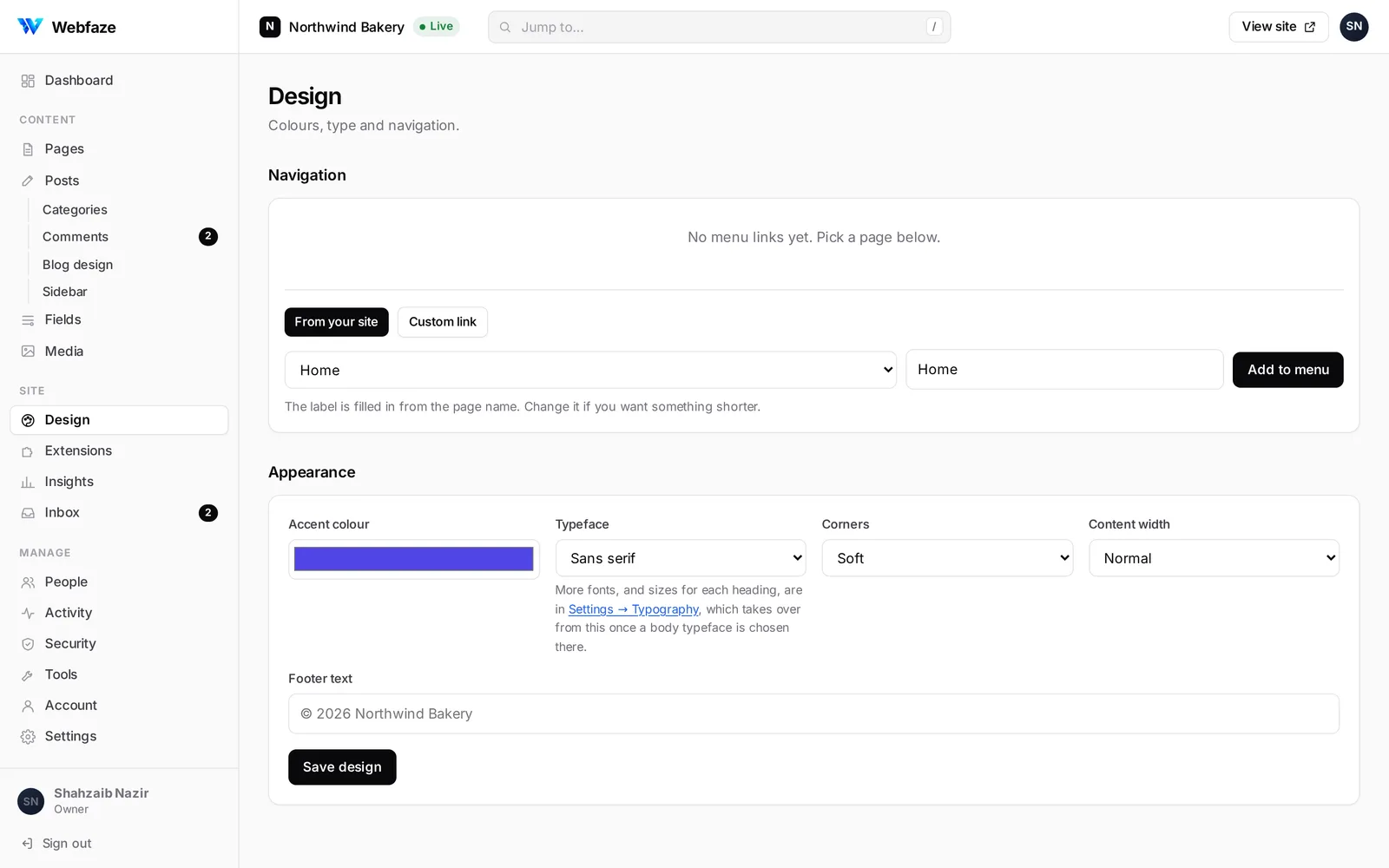
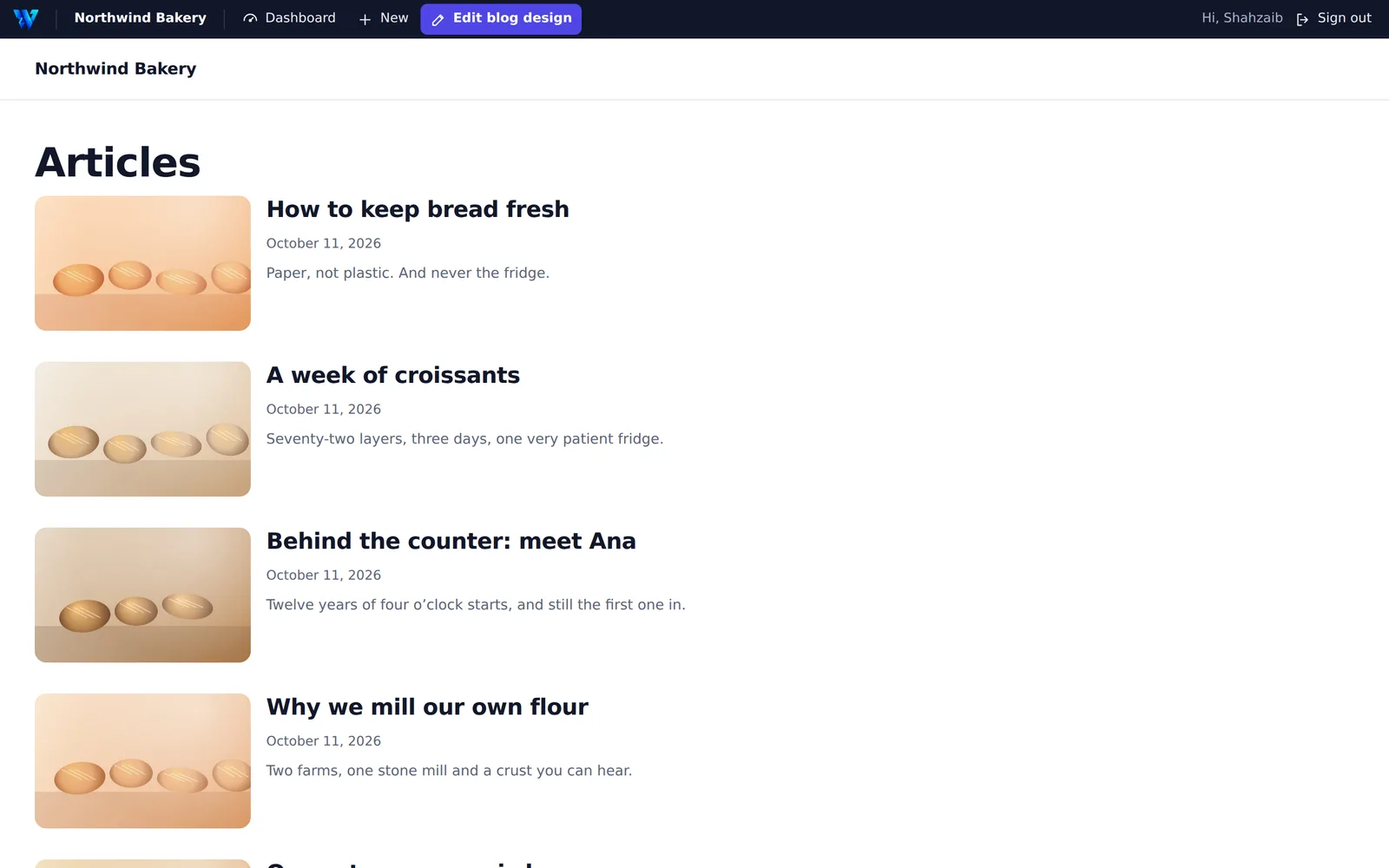
Authors, categories, comments and sharing, styled from Blog design.
Content, design, extensions, people and security in one place, with search that jumps to any screen.
The parts of running a site that usually need five plugins, built in and working together.
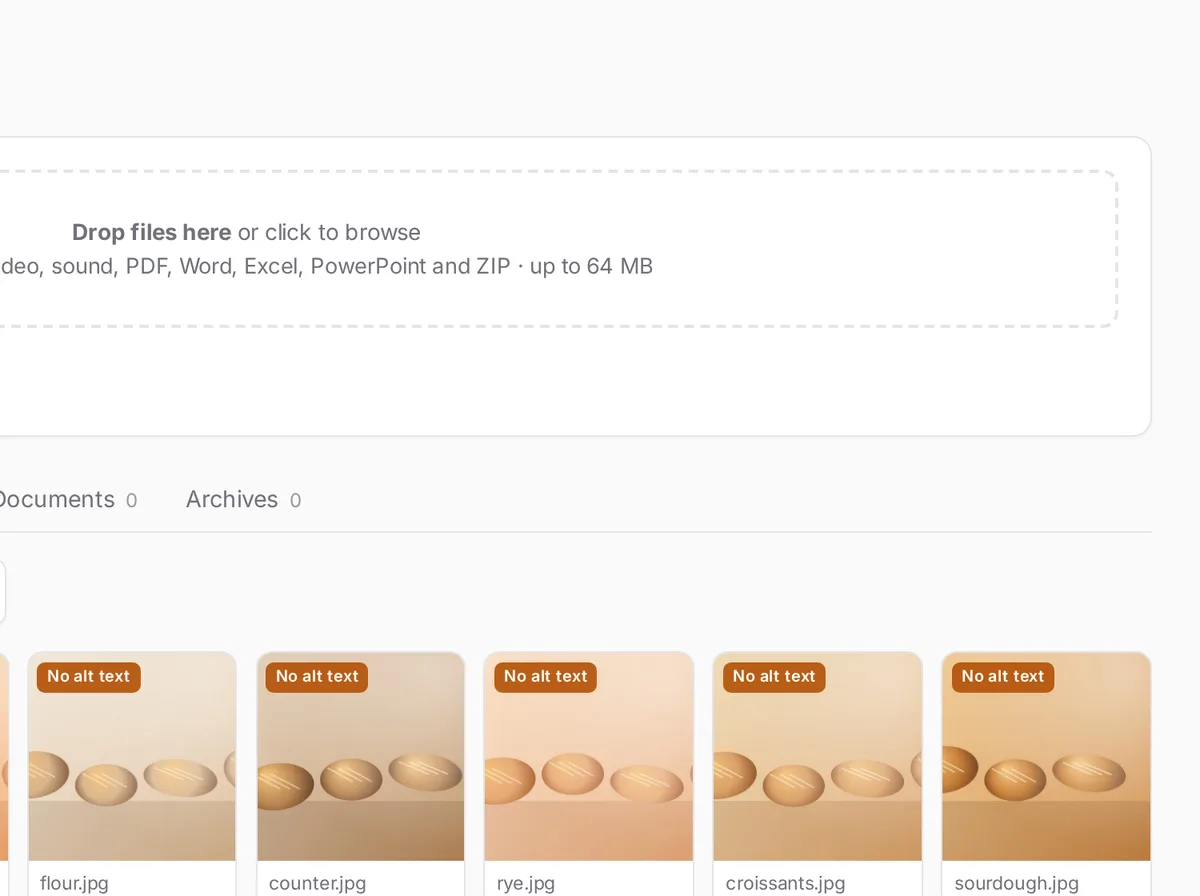
Photos made smaller in the browser before upload, with WebP when you want it.
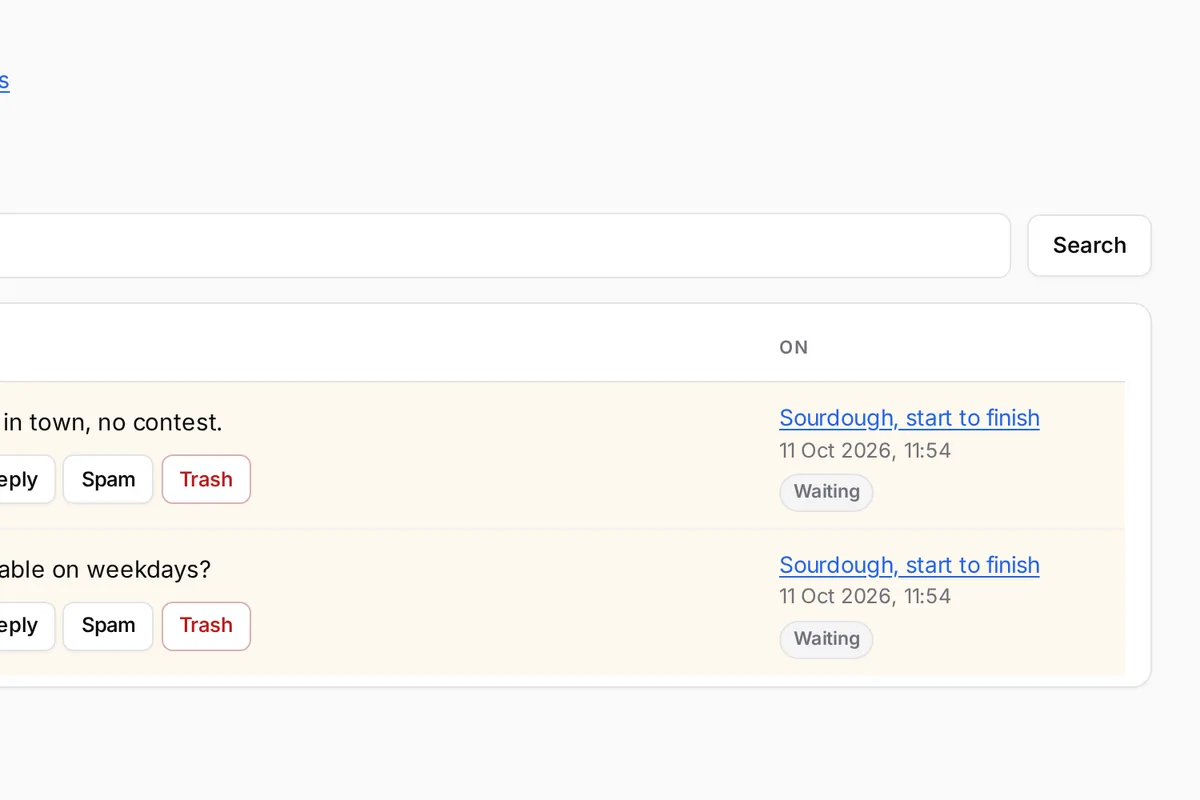
Approve, reply or mark as spam, with bots filtered out.
Every form on the site lands here, ready to answer or export.
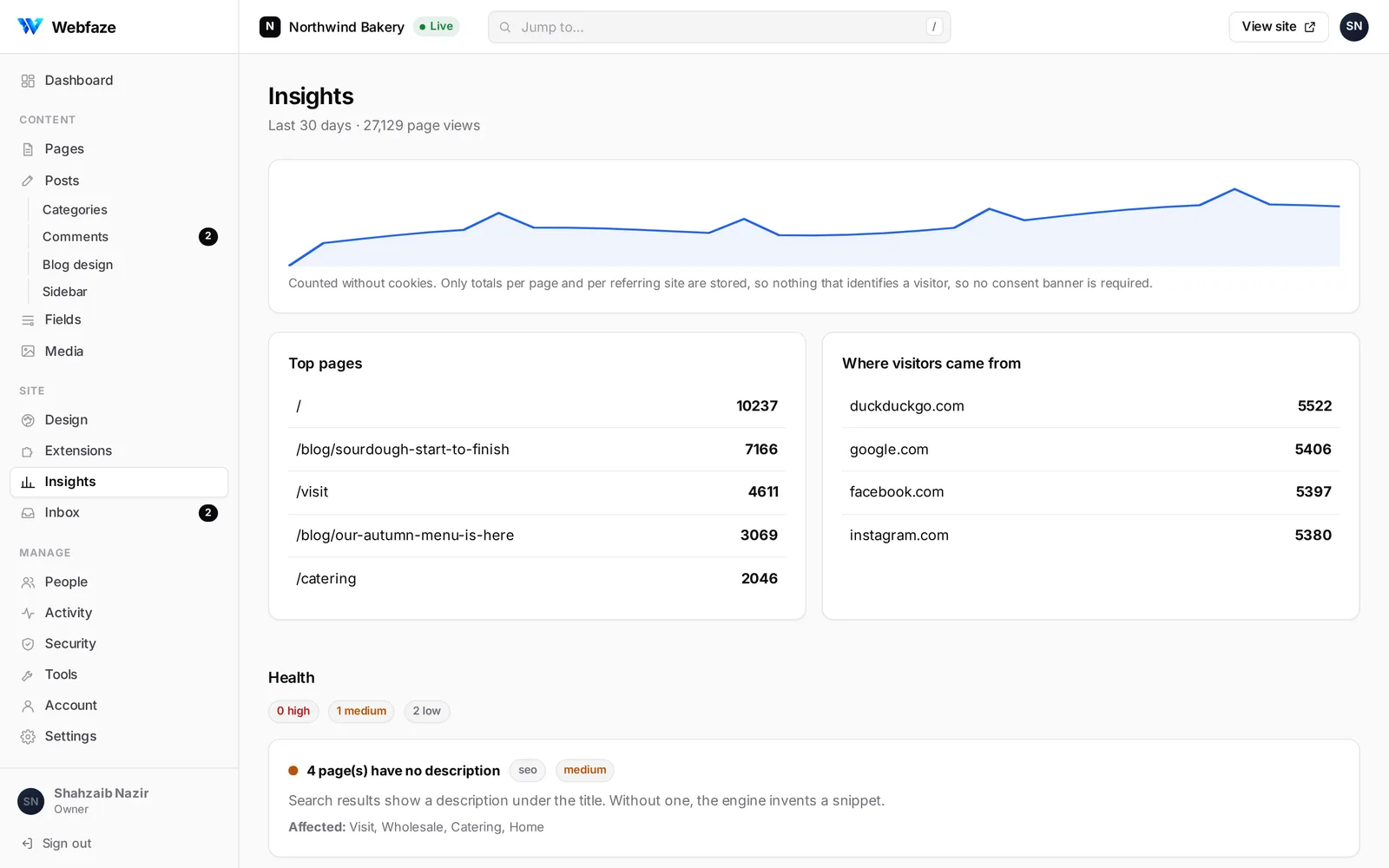
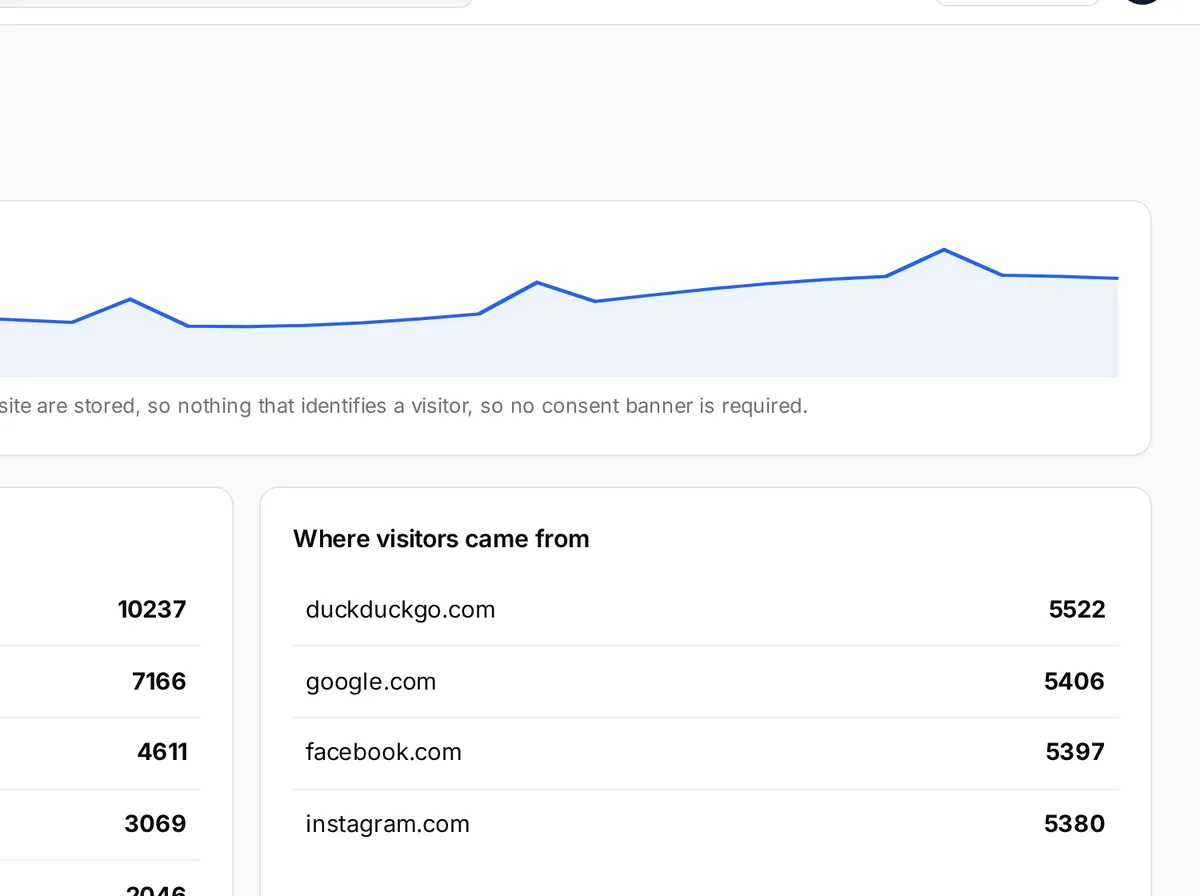
Views, top pages and referrers, counted without cookies.
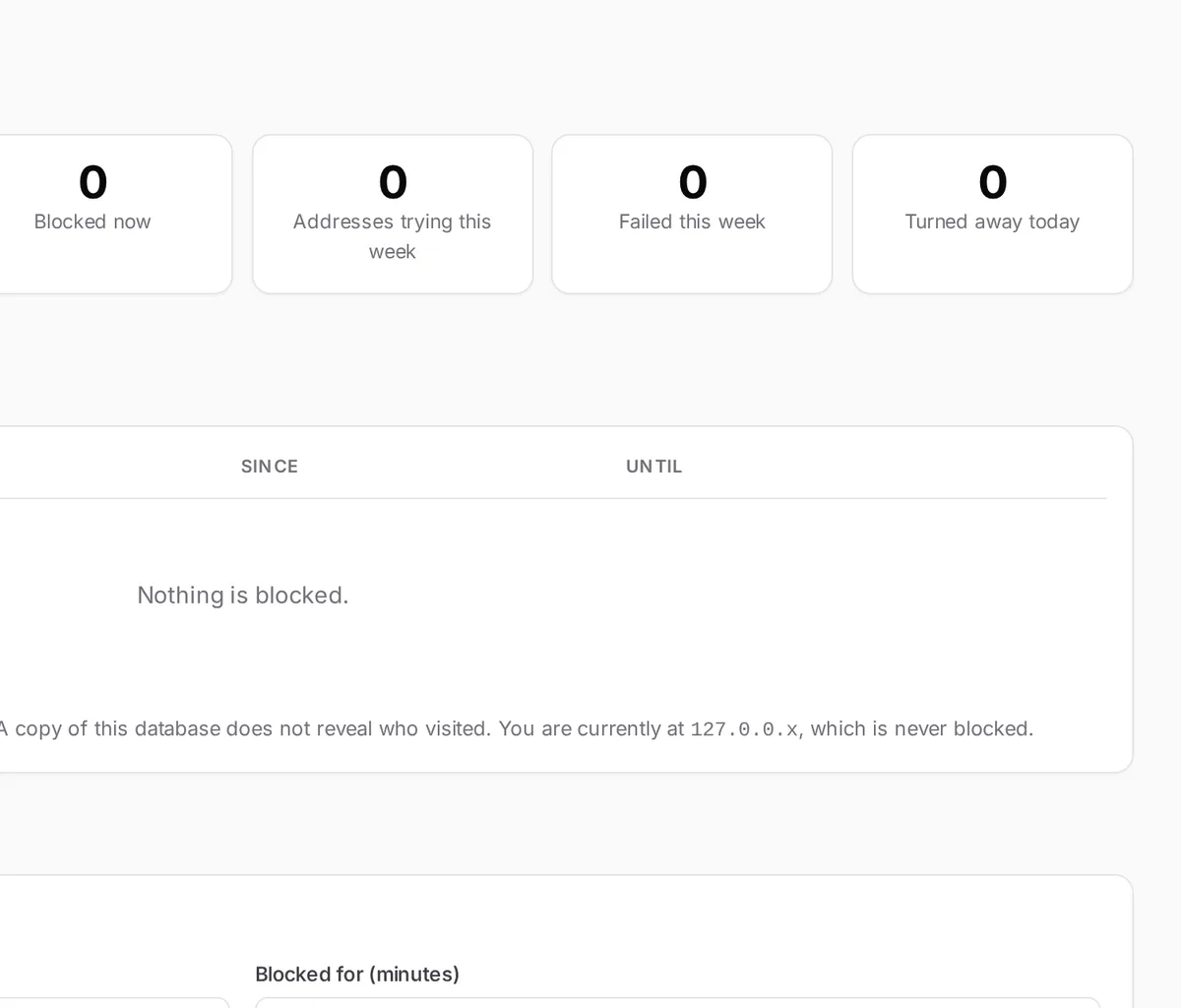
Failed sign-ins counted and blocked, and a sign-in address you choose.
Add features from the Webfaze directory. Every version is checked automatically, read by a person and signed before it reaches a site.
Search, read the review notes and install in one click. Updates arrive the same way.
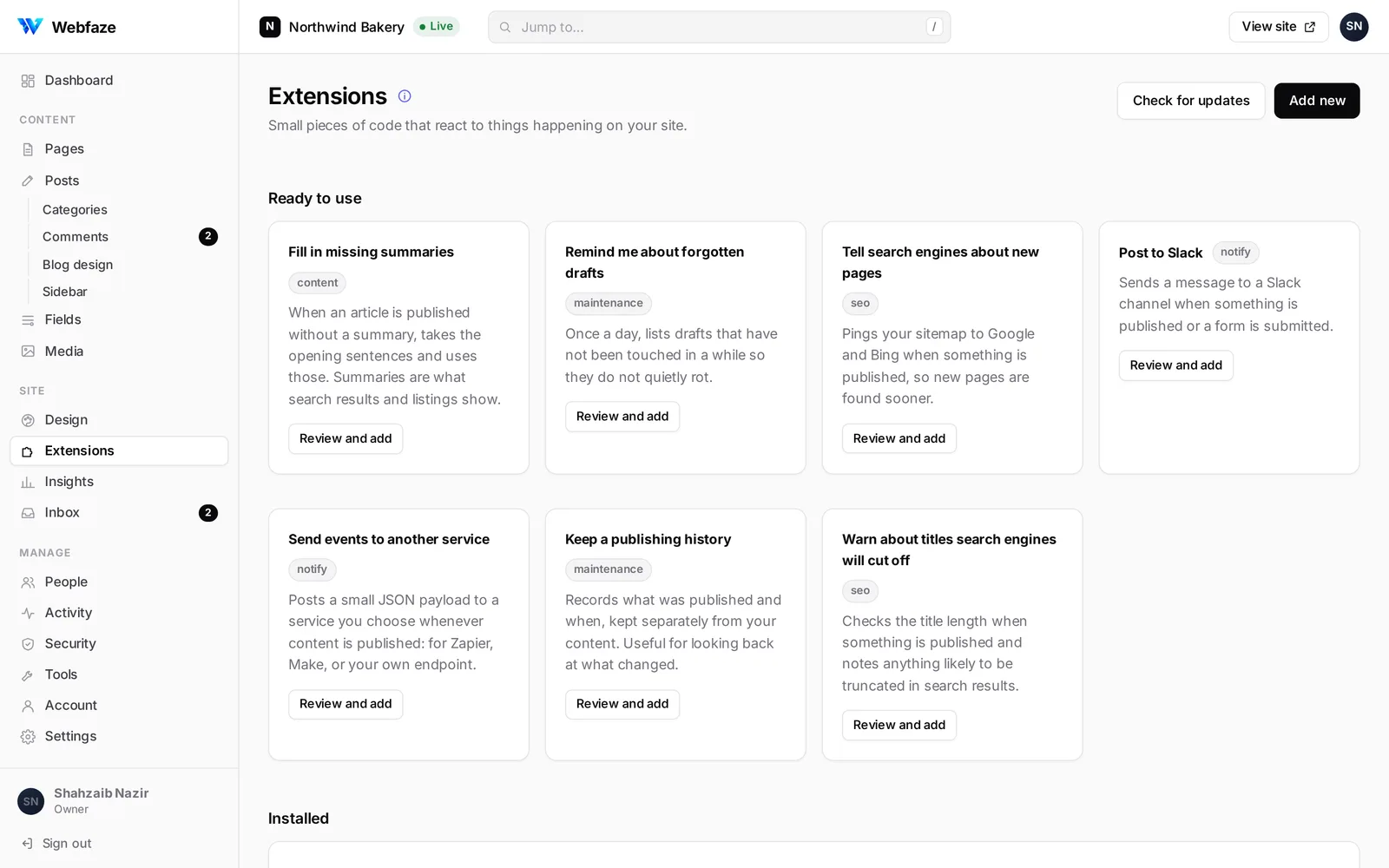
A site installs a package only if Webfaze’s signature and its checksum both match.
No files, no processes and only the network addresses an extension asked for.
A version Webfaze pulls is switched off on every site at its next check.
Sell an extension once for every site a buyer runs, and keep 80% of each sale by default.
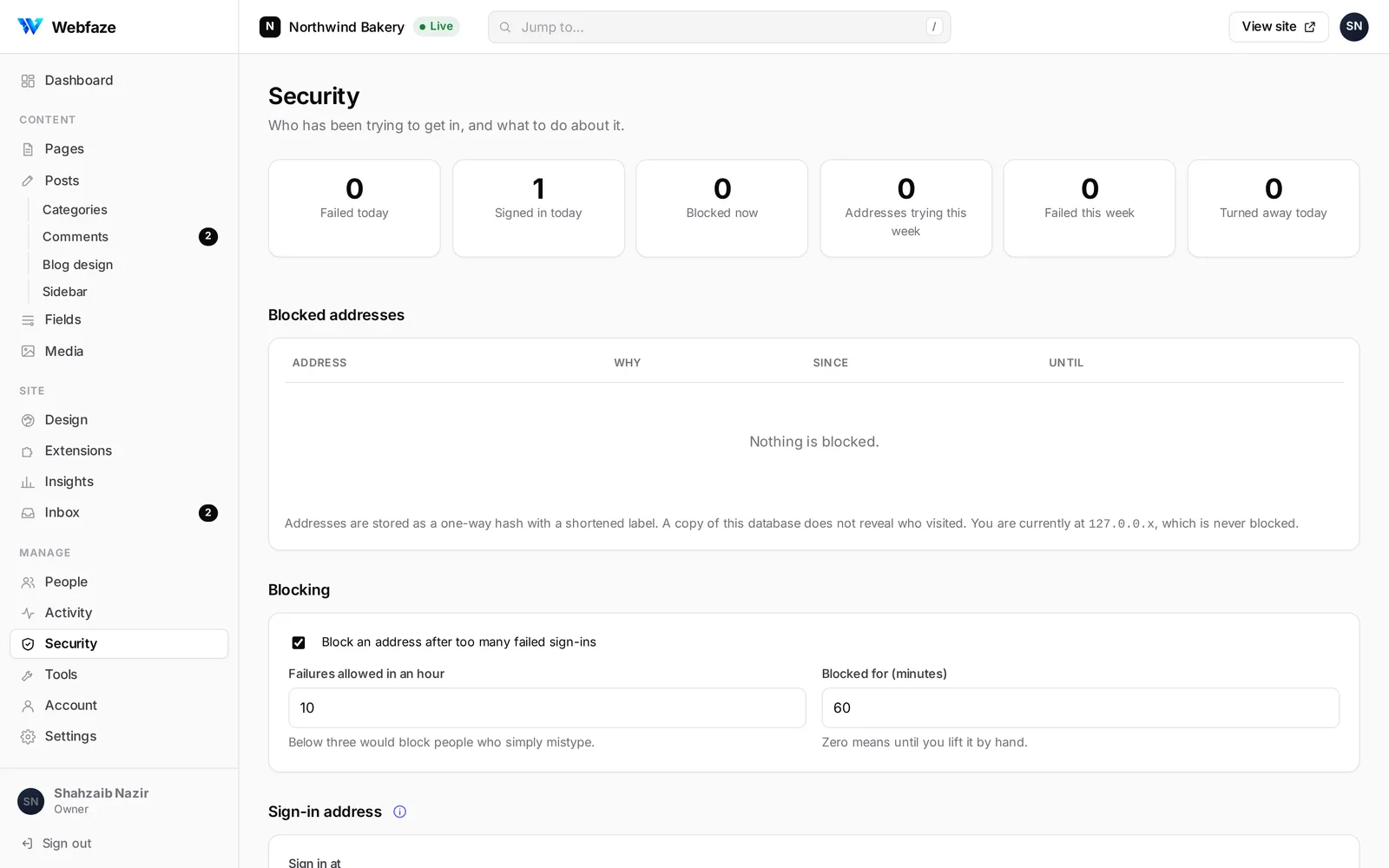
Strong defaults from the first sign-in, so a site stays yours even when it’s popular.
Upload your WordPress export and see what will come across before anything is written. Old addresses keep working with redirects made for you.

The small things, done properly.
Press / in the Console and type the screen you want.
Arrange the navigation and the blog’s sidebar widgets.
Prices, dates and codes on any kind of content.
Contributors, authors, editors and admins.
Your content never leaves the hosting you chose.
A list of fixes for search, kept up to date for you.
Everything in one file, and a way back from it.
Pages cached and images sized for each screen.
Still wondering? Ask in the community; the Webfaze team answers there too.
On your own hosting: a VPS, Docker, or a host that runs Node.js. Webfaze is one file you start, and your content stays in your database.
No. Pages are built by dragging elements, posts are written in the editor and the look is set from one Design screen.
From Tools in the Console. Webfaze checks the release signature, saves a backup first and keeps the previous version, so you can go back.
Updates and the extension directory for the sites on your plan. Test sites on localhost or staging addresses don’t use a seat.
Create a free account, choose a plan and install the latest release on your own hosting.
Create a free accountNo card needed to create an account.